Design system
An editorial grid for a care brand: one calm background, generous space between sections, a label column beside every section, and type that’s large and easy to read. Light by default, with a full dark mode; body text meets WCAG AAA (7:1) in both.
A light left on
The mark is a plain H set in a leaf: the same shape that frames every photo, badge, and highlight on the site, with two corners swept wide and two kept tight. Simple enough to read at favicon size, and warm without trying.
Lockup: the mark, a hairline, then the wordmark in Hanken Grotesk 600 (tracked tight) over the descriptor in widely spaced DM Mono caps.
The mark alone, from app icon down to 24px. Solid shapes only, so it holds up small: the H stays clear inside the leaf at every size.
The editorial grid
Every section is a row: a 240px label column, then the content. Grids inside are separated by space rather than boxes or rules, and only a light hairline marks where one section ends. On phones the label stacks above its content, and lists of like things become swipe rows.
Rows
<Row label=…>: label column, hairline above, content beside. 60px above content, 112px below; tighter on phones.Grids
.hs-ruled: two columns 80px apart, rows 56px apart, no rules; one column on phones.Swipe rows
.hs-swipe: on phones, services, steps, clinicians, and quotes scroll sideways with snapping, the next card peeking in.Leaf radius
Photos: 12px corners with two swept to 96px (64px on phones). Badges, highlights, and the switch use smaller leaves; buttons and inputs keep 6px.
Color
Two colour schemes, each with light and dark: Tide (cool, the default) and Shore (warm and cool combined). Switch them in the footer; the tables below follow the scheme you pick. Text ratios are computed from the values and measured against the page.
Tide
The default. Cool: misty blue-grey pages, navy ink, a harbour-blue accent.
Shore
Warm and cool combined. Light: warm linen pages, navy ink, a harbour-blue accent, a peach sky over blue hills. Dark: navy pages, warm ink, the ember accent.
Tide tokens
| Token | Light | Dark | Use |
|---|---|---|---|
Page--hs-page | #F2F5F7 | #10161C | The one page background |
Surface--hs-surface | #FBFCFD | #18212A | Inputs, floating cards |
Alt surface--hs-sand | #E3EAEF | #1F2A35 | Preview bar, hovers, chips |
Ink--hs-ink | #17212B14.9:1 AAA | #EEF3F716.3:1 AAA | Headings, body text, primary buttons |
Ink 2--hs-ink-2 | #3F4D5A7.9:1 AAA | #C3CFDA11.5:1 AAA | Secondary text |
Rule--hs-rule | #B8C5D0 | #3A4958 | Section and column hairlines (decorative) |
Control--hs-control | #75838F3.6:1 3:1 UI | #7F8E9C5.4:1 AA | Input and control borders |
Accent--hs-ember | #1F5E8C | #7FB6E0 | Button hover, highlights |
Accent text--hs-ember-text | #1B54807.3:1 AAA | #93C3E89.7:1 AAA | Eyebrows, links |
Sage--hs-sage | #2F66506.1:1 AA | #93C9AC9.7:1 AAA | Success and status |
Warm accent--hs-window | #D98A2B | #F0A04A | A warm note kept in every scheme (the old logo's lit window) |
Tide pairs
| Pair | Light | Dark |
|---|---|---|
| Page on Ink (primary button) | Aa14.9:1 AAA | Aa16.3:1 AAA |
| Text on Accent (button hover) | Aa6.9:1 AA | Aa8.3:1 AAA |
| Accent text on Accent tint | Aa6.4:1 AA | Aa7.4:1 AAA |
| Ink 2 on Alt surface | Aa7.1:1 AAA | Aa9.2:1 AAA |
| Sage on Sage tint (status) | Aa5.4:1 AA | Aa7.2:1 AAA |
| Warning on Warning tint | Aa5.7:1 AA | Aa7.8:1 AAA |
| Danger on Danger tint | Aa5.4:1 AA | Aa6.8:1 AA |
Shore tokens
| Token | Light | Dark | Use |
|---|---|---|---|
Page--hs-page | #F6F2EA | #121820 | The one page background |
Surface--hs-surface | #FFFDF8 | #1A222C | Inputs, floating cards |
Alt surface--hs-sand | #ECE5D8 | #222C37 | Preview bar, hovers, chips |
Ink--hs-ink | #1A243014.0:1 AAA | #F4EEE515.5:1 AAA | Headings, body text, primary buttons |
Ink 2--hs-ink-2 | #3E49568.2:1 AAA | #CFC7BB10.7:1 AAA | Secondary text |
Rule--hs-rule | #C7BDAD | #3C4856 | Section and column hairlines (decorative) |
Control--hs-control | #7C80893.5:1 3:1 UI | #848C965.2:1 AA | Input and control borders |
Accent--hs-ember | #1F5E8C | #EE9466 | Button hover, highlights |
Accent text--hs-ember-text | #1B54807.2:1 AAA | #F4A77F9.1:1 AAA | Eyebrows, links |
Sage--hs-sage | #2F66506.0:1 AA | #93C9AC9.5:1 AAA | Success and status |
Warm accent--hs-window | #C0602E | #EE9466 | A warm note kept in every scheme (the old logo's lit window) |
Shore pairs
| Pair | Light | Dark |
|---|---|---|
| Page on Ink (primary button) | Aa14.0:1 AAA | Aa15.5:1 AAA |
| Text on Accent (button hover) | Aa6.9:1 AA | Aa7.9:1 AAA |
| Accent text on Accent tint | Aa6.3:1 AA | Aa7.4:1 AAA |
| Ink 2 on Alt surface | Aa7.3:1 AAA | Aa8.5:1 AAA |
| Sage on Sage tint (status) | Aa5.4:1 AA | Aa7.2:1 AAA |
| Warning on Warning tint | Aa5.7:1 AA | Aa7.8:1 AAA |
| Danger on Danger tint | Aa5.4:1 AA | Aa6.8:1 AA |
Type
Hanken Grotesk for headings, large and bold. Host Grotesk for body text at 18px (16px on phones). DM Mono for small labels and button text, never below 14px.
Care at home, explained.
How care begins
Care, close to home
A clinician visits your home
Four steps from your first call to your first visit.
We confirm your address is in our service area, talk with your doctor’s office, and review your insurance before anything is scheduled.
What we do
01 02 03 04
Forms
Labels always visible above the field, hints in plain language, errors that say how to fix it. Public forms ask only what we need to call back: never a medical history in an open text box.
Enter a 10-digit phone number, like (818) 675-0181.
We call within one business day.
Labels and notes
Status labels for the intake pipeline always pair colour with a word, so meaning never depends on colour alone. The sample label marks anything invented.
Note. For guidance that isn’t a decision, like what Medicare generally covers.
Imagery
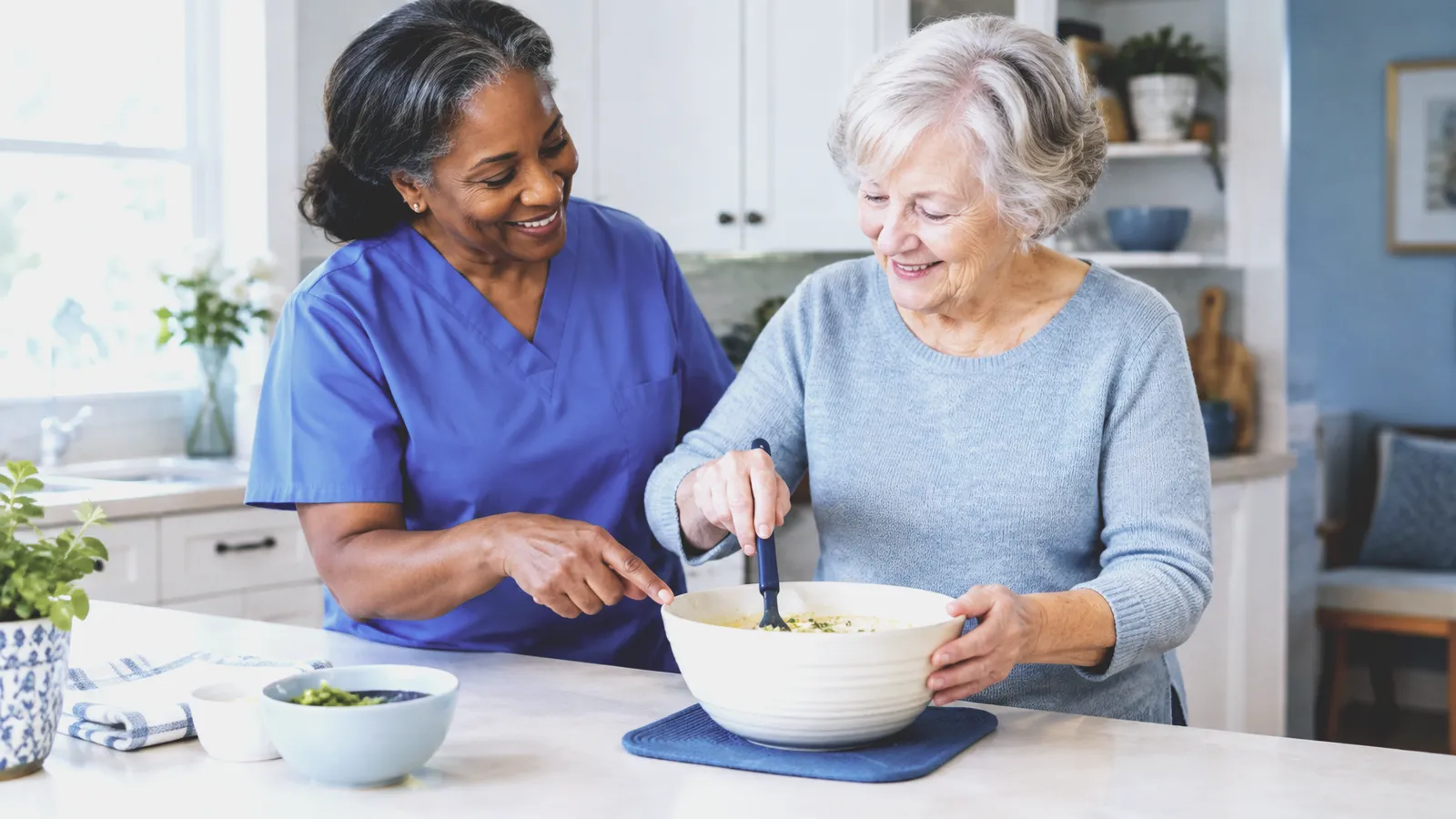
Leaf-shaped photos with one cool, slightly faded grade, so pictures from different sources read as one set. A tiny blurred preview shows while each loads, and on desktop each photo closes in on its subject as it scrolls up. Without a photo, the placeholder names the shot it’s waiting for. Partner logos are illustrative marks.

- LarkfieldMedical Center
- CallowayFamily Practice
- FernwoodSenior Living
- WestbrookRehabilitation
- BrightwaterOrthopedics
- OaklineCardiology
Cards, badges, and switches
Service cards are a leaf photo, the name with its icon flush right, then one line. Credentials are upright leaf badges. On phones, “How can we help?” becomes a two-way switch whose raised thumb glides between the choices, and the current page in the nav sits in a sand leaf.
Skilled nursing
Wound care, medication management, injections, and monitoring after a hospital stay.

Physical therapy
Rebuilding strength, balance, and safe movement around your own home.
Occupational therapy
Making everyday tasks like dressing, bathing, and cooking safer and easier.
- Medicare-certified
- State-licensed agency
- Intake answered seven days a week
Sample content
What's the difference between home health and home care?
Home health is skilled, medical care ordered by a doctor, such as nursing or therapy. Home care is non-medical help like companionship, meals, or housekeeping. Hearthside provides home health. If you're looking for non-medical help, our intake team can point you to local options.
Do I need a referral from my doctor?
Home health care needs a doctor's order. You're welcome to call us first, though. We'll work with your doctor's office to get what's needed.
Principles
Guide, never decide
The site explains coverage and eligibility in general terms and routes people to a person. Clinical and coverage decisions stay with clinicians and the intake team.
Ask for less
Minimal public forms; health details only in the secure intake system. No advertising pixels or session recording on intake pages.
Readable first
18px+ body, AAA body text, 52px buttons, labels at 14px+ (not the tiny labels the editorial style usually uses), zoom always allowed, everything usable by keyboard.
Calm by design
One background, space instead of boxes and rules, one dark band per page. Motion is slow and stops entirely under reduced motion.